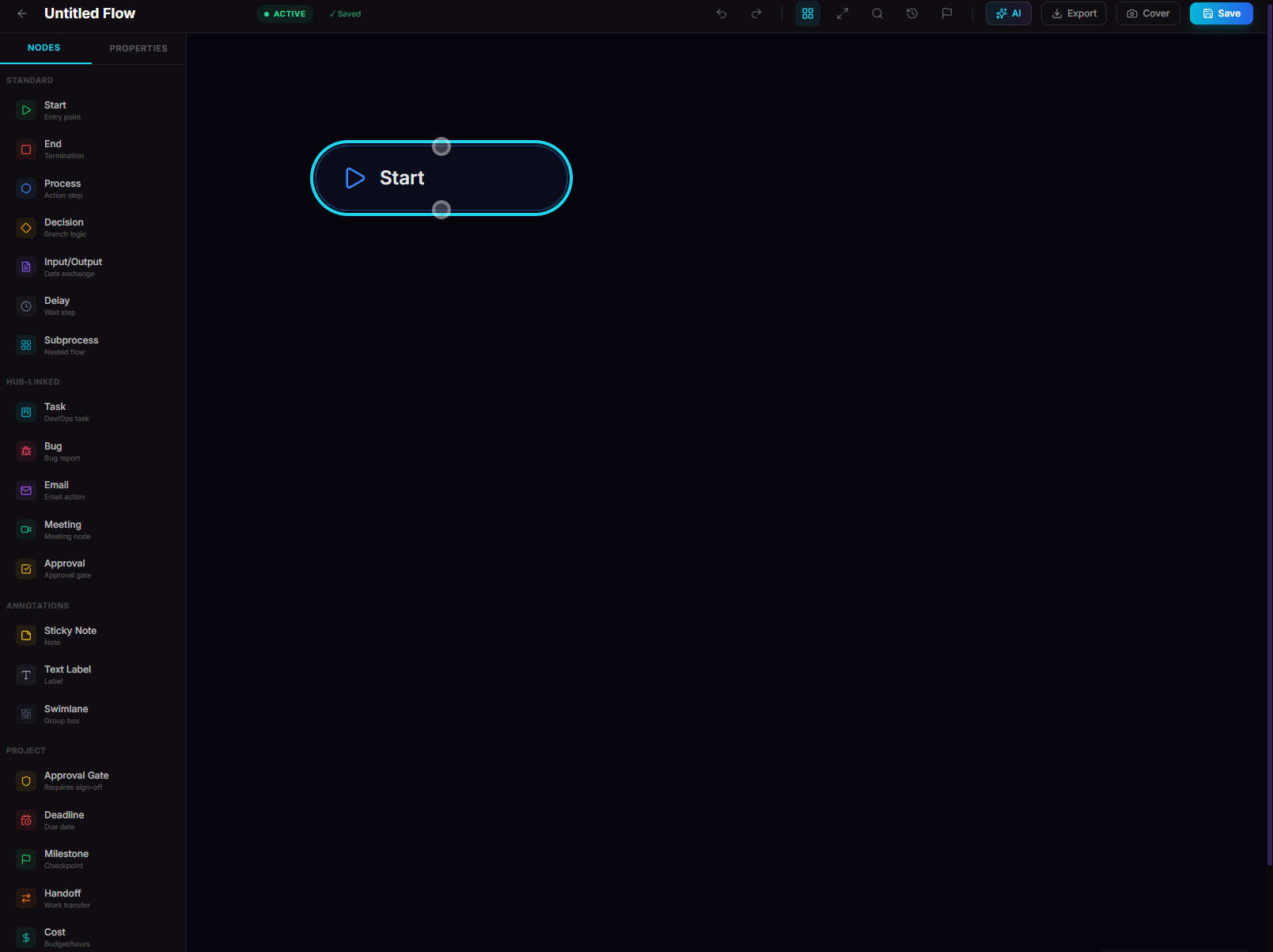
Imagine this: you spend 30 minutes building the perfect flowchart — a crystal-clear onboarding process for your team. Now you need to share it. In most tools, that means exporting a static PNG, attaching it to an email, and praying nobody asks for changes. If they do? Export again. Re-attach. Repeat.
We built something better.
FreeFlowCharts now lets you share any flowchart or Venn diagram with a single live link — no downloads, no sign-ups for viewers, no stale screenshots. Just click Share, copy the link, and send it anywhere.
How flowchart sharing works
Sharing a flowchart on FreeFlowCharts takes exactly two clicks:
That's it. Anyone with the link can view your flowchart in their browser — full zoom, pan, and interactive exploration — without creating an account or installing anything.
The shared view is read-only, so your original flowchart is safe. Viewers see exactly what you see: the same nodes, edges, colors, descriptions, and layout. It's not a flat image — it's the real, interactive flowchart rendered live.
Why live links beat static exports
The biggest advantage is live updates. When you update your flowchart, everyone with the link immediately sees the new version. No re-exporting, no re-sharing, no "which version is this?" confusion.
Share flowcharts with your team
Here's how teams are using shared flowcharts:
Share Venn diagrams too
This isn't limited to flowcharts. Venn diagrams created on FreeFlowCharts can also be shared with live links. The same one-click sharing, the same interactive viewer, the same always-up-to-date experience.
Whether you're comparing product features, mapping team overlaps, or illustrating set relationships, your Venn diagrams are just as shareable as your flowcharts.
Real-time collaboration indicators
When multiple people have the same flowchart open, FreeFlowCharts shows live presence indicators — you'll see avatar icons of who's currently viewing or editing. This makes it easy to coordinate in real time without a separate chat window.
Revoking shared links
Changed your mind? Need to restrict access? You can revoke any shared link with one click. The moment you revoke it, the link stops working — viewers will see an error instead of your flowchart. You can always generate a new link later.
Privacy and security
For sensitive flowcharts, we recommend only sharing links through private channels (direct messages, email) rather than public forums.
How to share a flowchart — step by step
Step 1: Open your flowchart in the canvas editor
Step 2: Click the Share button in the top toolbar (next to Export)
Step 3: A share link is automatically generated and copied to your clipboard
Step 4: Paste the link anywhere — Slack, email, Notion, Google Docs, a text message
Step 5: Recipients open the link and see your flowchart immediately — no login required
To copy the link again later, just click the Copy Link button. To stop sharing, click the X next to the share button to revoke the link.
Sharing vs. exporting — when to use which
Use sharing when:
Use exporting when:
Pro tip: Use both! Share the live link for day-to-day reference, and export a snapshot for formal documents or presentations.
Free forever
Sharing is a core feature — it's free for all users, not locked behind a paywall. We believe collaboration shouldn't cost extra. Generate unlimited share links, share with unlimited viewers, no watermarks, no branding overlays.
The only paid features on FreeFlowCharts are the AI tools (generate, suggest, optimize, summarize) available on the Pro plan for $7.99/month. Everything else — the canvas, nodes, export, templates, and sharing — is free forever.
Try it now
It takes 30 seconds. No credit card, no trial, no catch. Just free, live, shareable flowcharts.